 claude-mem

Reviewed November 20, 2026 · By Claude-Mem
The learning travels with you.
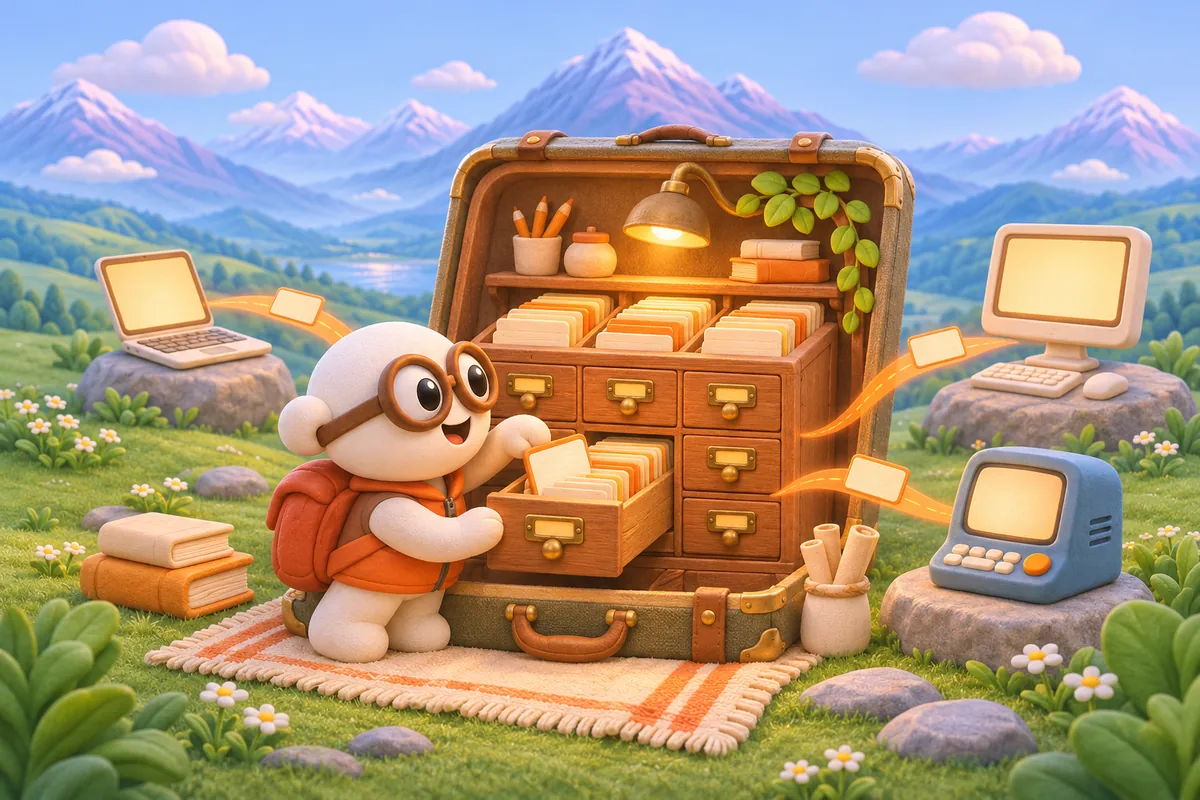
We sync observations, session summaries and user prompts through your account. Each connected worker keeps a local copy for the memory tools to search. Your next agent can recover the reason behind a decision instead of asking you to reconstruct it.
One account. Your connected devices.
Run npx claude-mem install on each computer, choose Cloud Sync and use the same account. The installer handles browser sign-in and configures the worker connection while preserving your observation provider. Use the linked setup guide for prerequisites and headless installations.
Bring the context into your next tool.
Your private MCP connection lets supported clients recall synced memory. A decision captured in a supported agent can inform your next conversation in ChatGPT. Capture and recall depend on the integration; the ChatGPT connection does not automatically record its conversations.
Keep moving when a device goes offline.
The worker retains eligible writes for a later upload and pulls remote updates when the connection returns. Check the viewer’s sync status before relying on a recent change: an offline device or a larger backlog needs time to catch up. A connected feed alone does not prove that every remote record has arrived.
Questions before you start
What does Cloud Sync carry between devices?
Eligible observations, session summaries and user prompts sync through your account. With Keep images enabled, converted screenshots upload privately and download when viewed. Original files and their paths are not uploaded. Cloud Sync is memory continuity, not a byte-for-byte backup of every file.
Will it bring over all my old local history?
Normal sync uploads eligible writes; pre-launch local records are not automatically a complete migration. Use the documented export/import or supported migration workflow for historical records, then verify the records you need on the destination device. Shared agent work state also requires compatible readers, server support and the opt-in setting.
Can I recall this memory in ChatGPT?
Yes. Cloud Sync provides a private MCP connector for recalling synced memory from supported clients. Follow the ChatGPT setup guide. Recall does not automatically capture your ChatGPT conversations.
Is every change available instantly?
Arrival depends on connectivity, backlog and server support. Durable sync uses HTTP push and pull; optional live updates can trigger an earlier pull where supported. The viewer’s current sync status shows whether a device has caught up.
What does Cloud Sync cost?
Monthly Cloud Sync is free for the first 30 days, then $12/month. A card is required; cancel before the trial ends to avoid a charge. Annual Cloud Sync costs $99 today and renews at $99/year, with no trial. Prices are in USD; any applicable tax is shown in checkout.
Do I need hosted tokens?
No. Cloud Sync works with your existing observation provider. Hosted tokens are an optional separate subscription, paid from day one. Buying, using or canceling them does not change your Cloud Sync trial or subscription.
What if I already have Pro or a TeamBrain seat?
Existing bundled Pro subscriptions keep their included Cloud Sync. An active TeamBrain seat keeps its existing sync rights. Sign in with that account when connecting a device; you do not need another Cloud Sync subscription.
What do I need to get started?
Install Claude-Mem, connect each device to the same account, and keep your existing observation provider configured. Choose monthly or annual Cloud Sync before checkout, then approve each device with the code shown by its installer.
Go deeper
Explore the source documentation and continue with the topic that matches your work.
Your next device. The same head start.
Connect your memory with Cloud Sync. Your next session can build on what your agents already learned, using the model provider you already chose.