 claude-mem

Reviewed November 20, 2026 · By Claude-Mem
Build on what your agents learn.
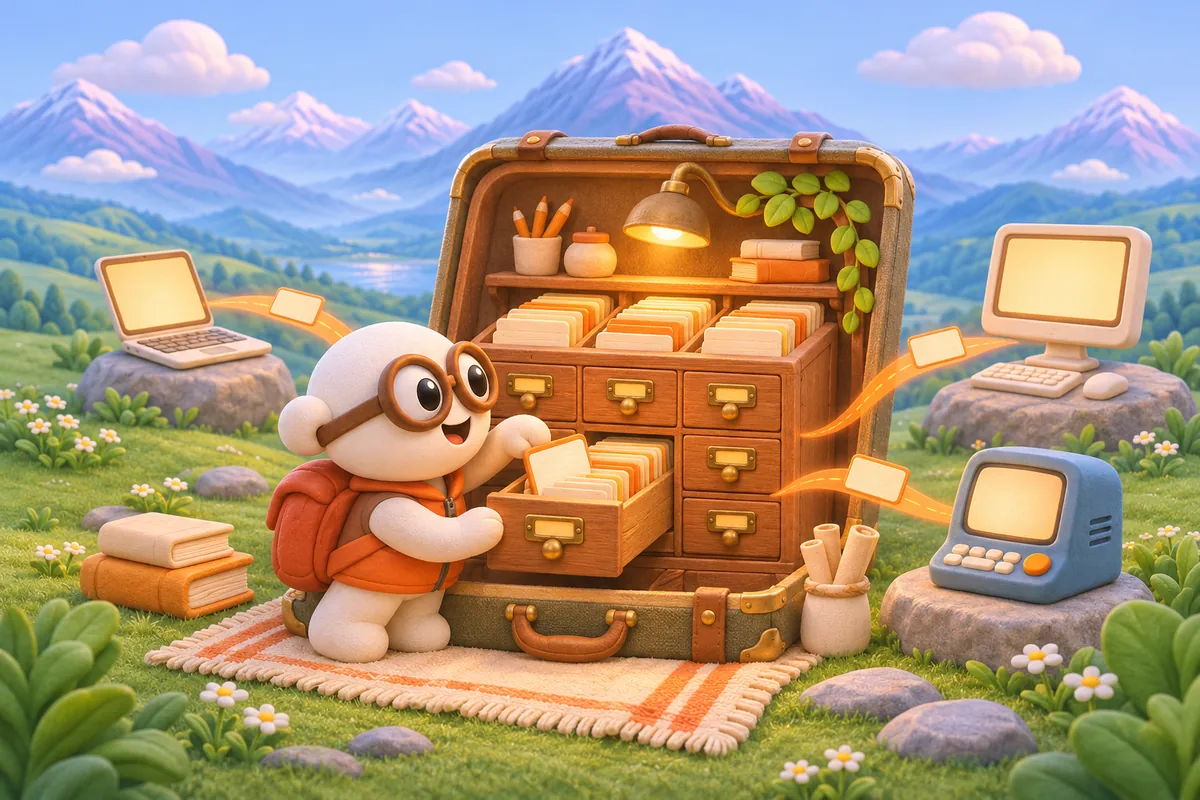
Our open-source engine stores observations and session summaries in a local SQLite database. Supported integrations capture useful context as you work, so decisions and discoveries remain available after the conversation ends.
Find the reasoning behind the result.
Search saved memory by keyword, follow its timeline, and open the original observation. Semantic search adds another way to find relevant context when the vector index is active. Start with the evidence your agents already collected instead of reconstructing the whole story.
Choose how your memory is processed.
Keep storage on your machine and configure the observer provider that suits your setup. We support hosted providers and OpenAI-compatible local endpoints such as Ollama and LM Studio. Local storage and local model processing are separate choices; the provider guide explains the requirements.
Take your knowledge to the next project or device.
Export selected memory into portable JSON and import it into another Claude-Mem installation with duplicate prevention. Add Cloud Sync when you want ongoing memory continuity across connected devices. Hosted observation is available separately.
Questions before you start
Where is local memory stored?
The default database is ~/.claude-mem/claude-mem.db. Observations and session summaries have SQLite FTS5 indexes. Your worker and memory tools retrieve the saved context from that local store.
Does local storage mean every model request stays on my computer?
No. Storage location and model processing are separate. A hosted observer sends requests to its configured provider. For local observation processing, follow the OpenAI-compatible provider guide and configure a local endpoint and an explicit loaded model ID. Review other enabled features, including sync and media, for your intended setup.
Can I use Ollama or LM Studio?
Yes. The OpenAI-compatible provider documents presets for both. Set the local endpoint and a model ID that your server actually provides; an unset model leaves the provider unconfigured and dispatch can fall back to Claude. Model capability, context limits and hardware affect the result.
Does it capture every conversation?
Capture depends on the integration. Supported agent hooks can record activity; other clients provide recall or explicit saves through MCP. Check your agent’s setup and capability notes.
What does it cost?
The engine is open source. Your configured model provider or subscription can have usage limits and costs, and local models need suitable hardware. Cloud Sync and optional hosted tokens are separate subscriptions; see current plans and included usage before subscribing.
Go deeper
Explore the source documentation and continue with the topic that matches your work.
Give the next session a head start.
Install our open-source engine and put your agents’ discoveries to work. Your next session can start with the context you have already earned.